CoachHQ Batter gives coaches a live workspace for charting at-bats, understanding player and pitcher tendencies, and turning the game into useful development feedback.
BaseballSoftball
Chart it live. Coach it later.
The at-bat is more than an outcome.
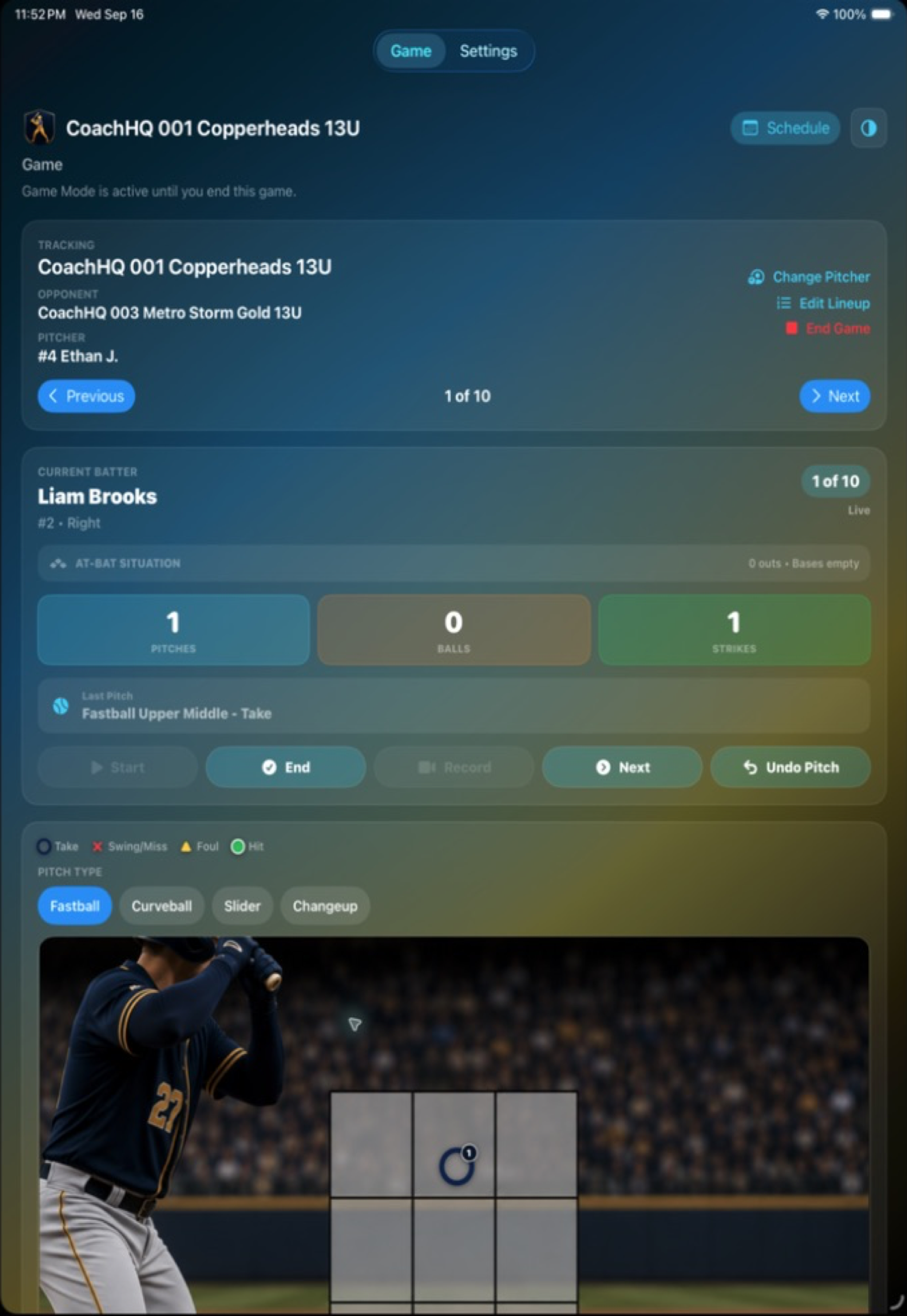
Tap where the pitch arrived, record what happened, and keep the count, approach, contact, and video connected to the player. Batter turns those small observations into patterns a coach can actually use.
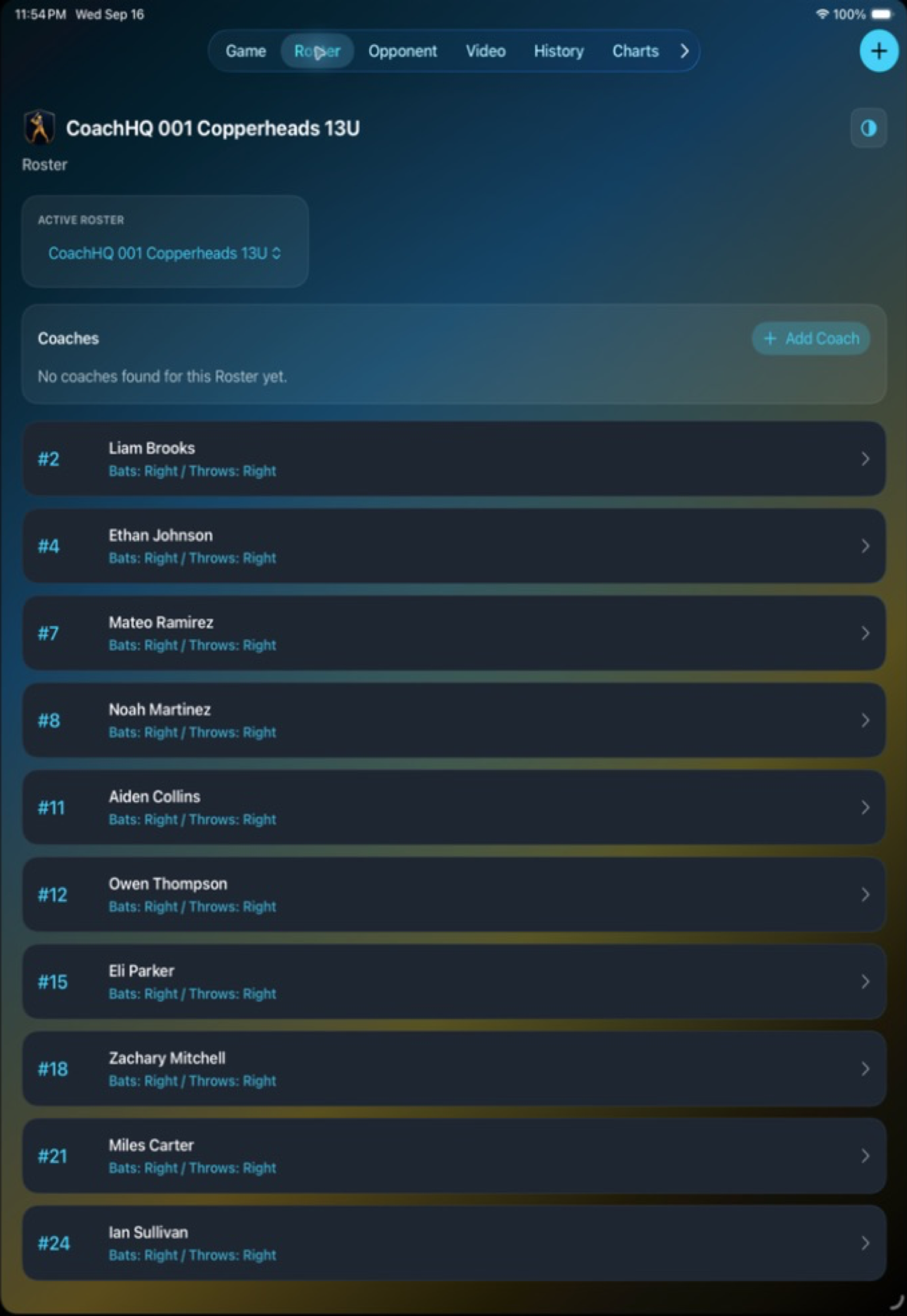
Start with a connected roster and move from team-level work to an individual player without losing the history behind the conversation. Batter keeps names, batting sides, reports, and video in the same workspace.
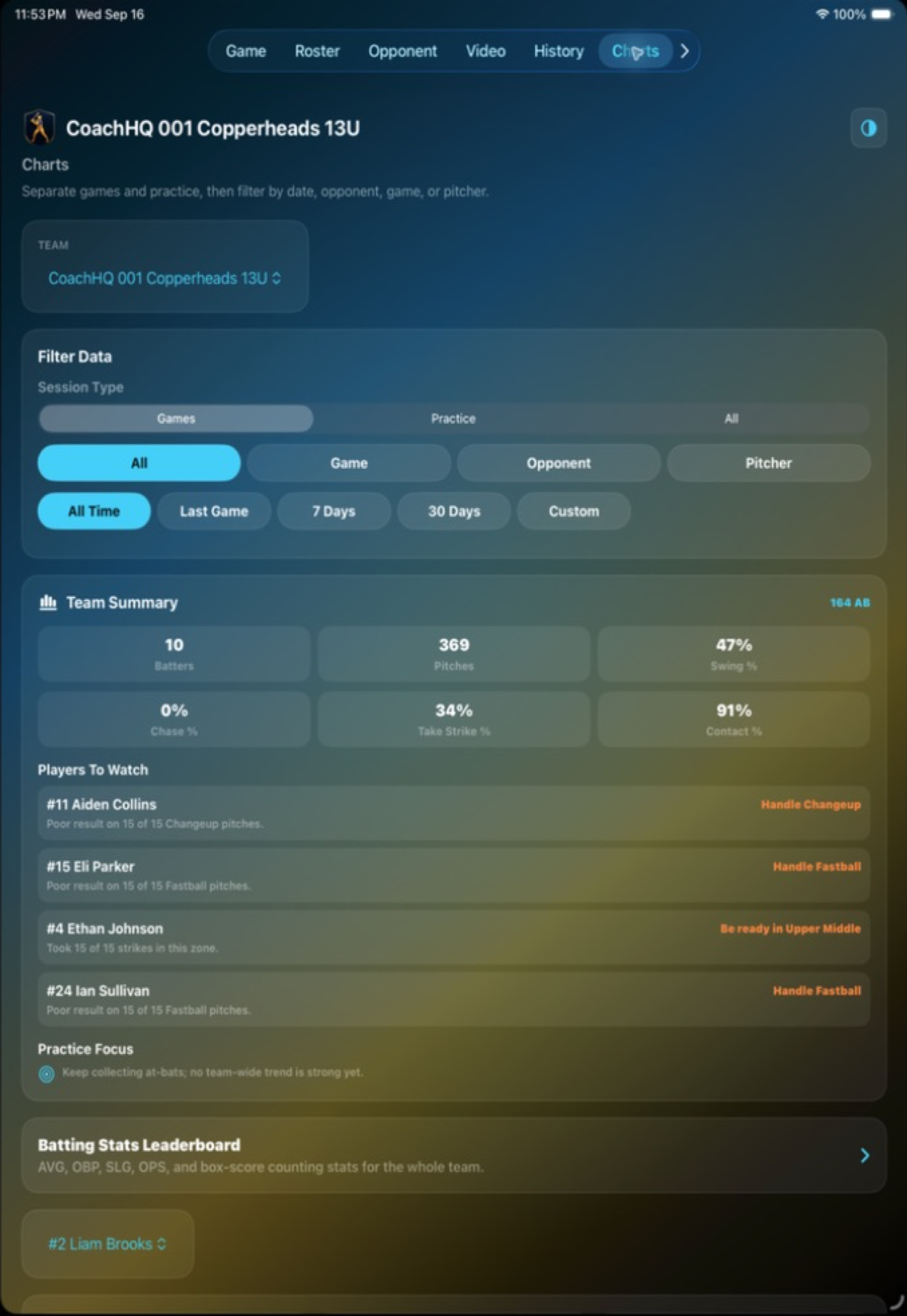
Filter by team, game, opponent, pitcher, and time window. Heat maps, spray charts, count approach, and batting trends help turn charted pitches into a clearer plan for the next practice or at-bat.
Record pitch type, location, and result in the moment. The zone preserves the detail behind every at-bat, so later charts can show where a hitter is taking strikes, chasing, or making contact.
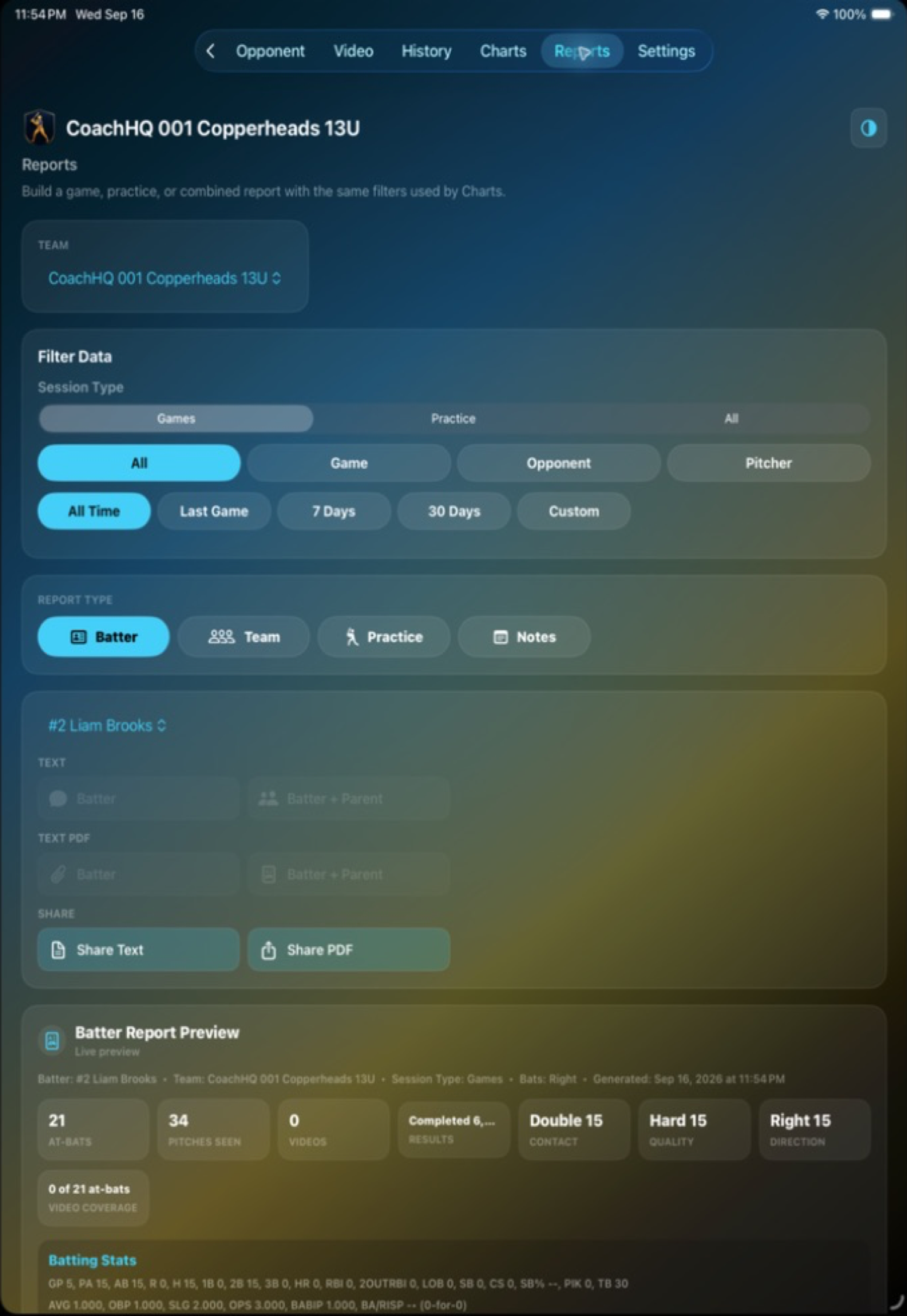
Build batter, team, practice, or notes reports from the data you already collected. Preview the story, generate a PDF, and share a focused takeaway with a player, parent, or staff member.
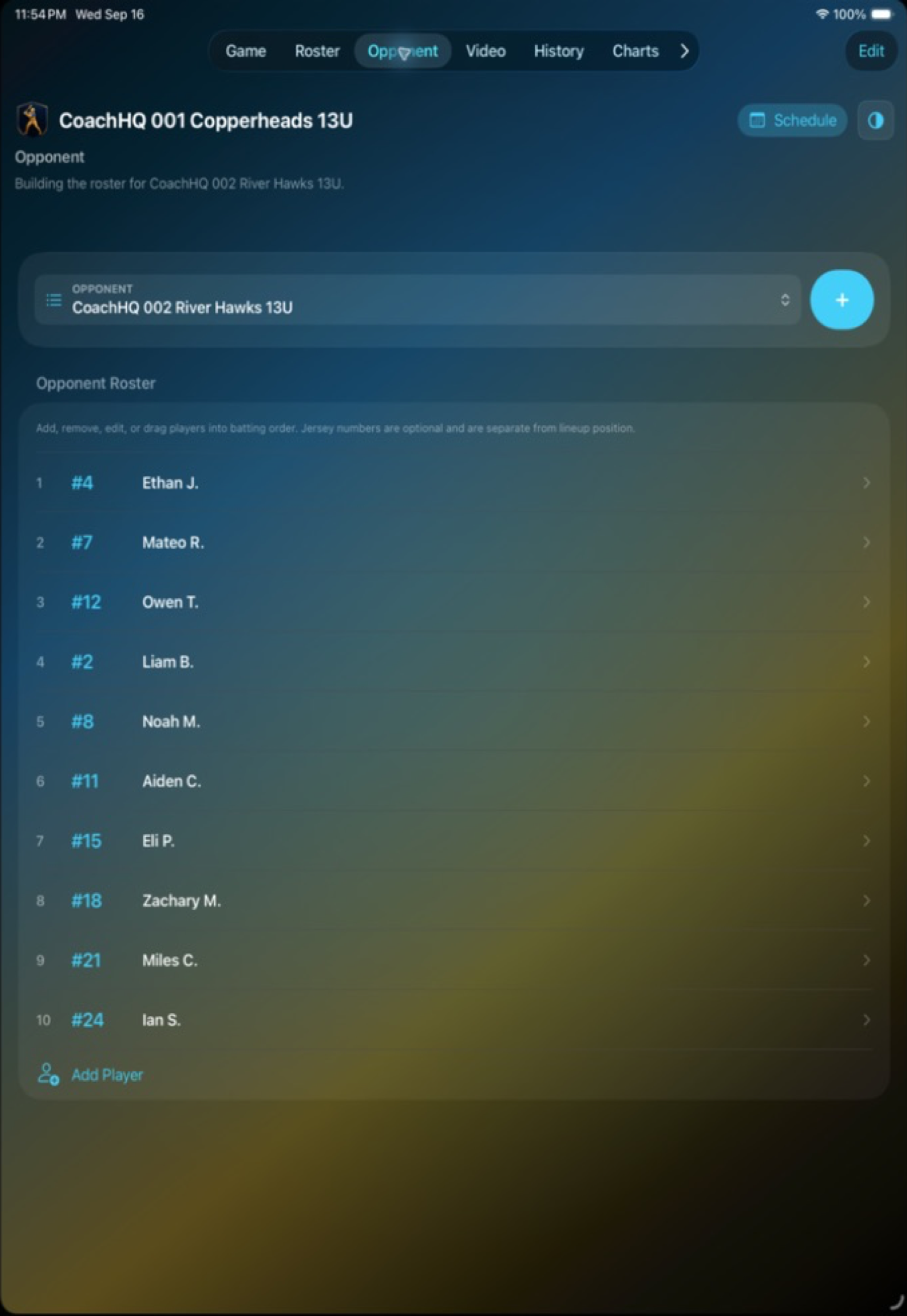
Build an opponent directory, track opposing players, and grow pitcher history as you chart at-bats. What starts as a game note becomes a repeatable scouting reference for the next matchup.
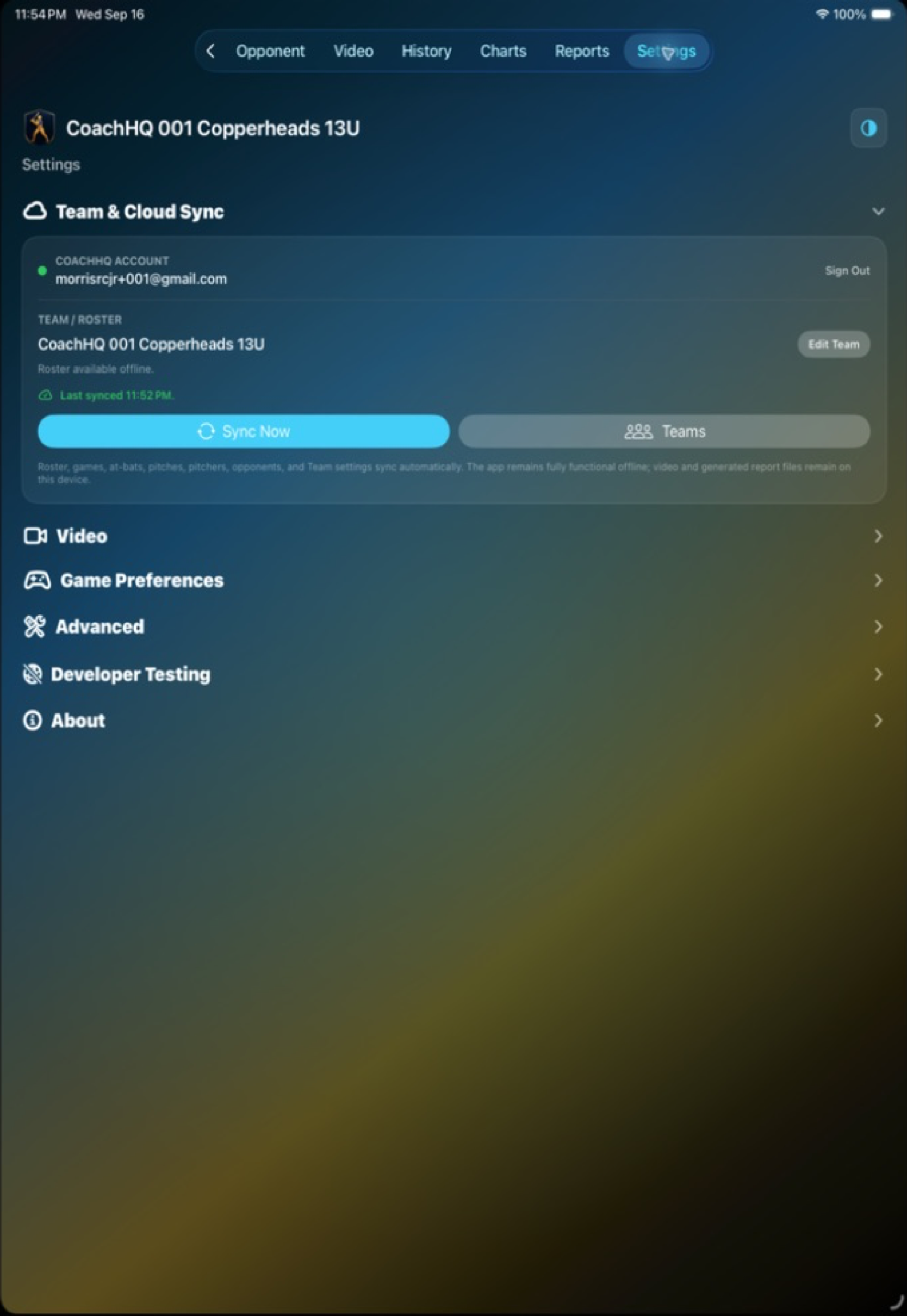
Batter is fully functional offline. Roster, games, at-bats, pitches, pitchers, opponents, and team settings remain on the device; when signed in, authorized data syncs automatically with CoachHQ Cloud when connectivity returns.
Built for the field, the cage, and the conversation after
No signal should mean no lost information.
Batter saves the work where it happens. Coaches can chart games, review rosters, and build reports offline, then use Team & Cloud Sync to keep authorized team data aligned across devices when a connection is available. Video and generated report files remain on the device, while the core team context is ready to sync.
01
Chart in the moment.
Record the pitch while the inning is moving, whether the iPad has a reliable connection or not.
02
Build the signal over time.
Player, pitcher, opponent, and team views turn individual charting decisions into durable coaching context.
03
Share the useful version.
Use focused reports and connected team data to move from observation to a conversation players can act on.
Coach the next pitch
Better charting is not more paperwork. It is better information at the right time.
CoachHQ Batter helps staff see what happened, understand why it matters, and give players a clearer next step.
 Click to enlarge