 Click to enlarge
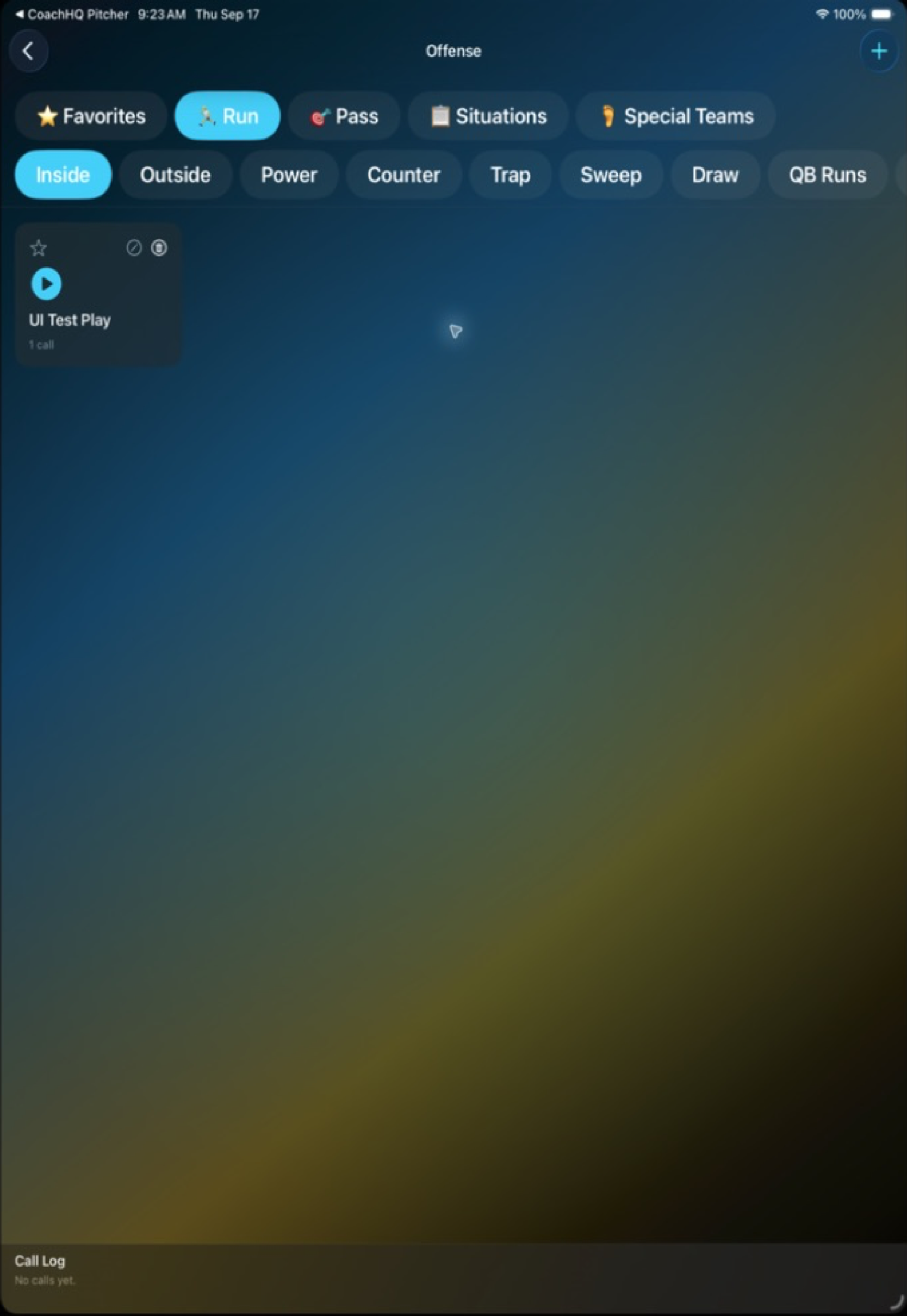
01 / Playbook
Keep the right call close.
Organize offense and defense by category, favorite the calls you need most, and keep play details accessible when the game is moving.
CoachHQ QB
CoachHQ QB keeps your playbook, vocabulary, and game-day calls organized in a fast, coach-ready iPad workspace.
Organize it. Call it. Learn from it.
QB makes the playbook easier to navigate and the sideline call easier to track, so coaches can stay focused on the next down.
Click to enlarge01 / Playbook
Organize offense and defense by category, favorite the calls you need most, and keep play details accessible when the game is moving.
 Click to enlarge
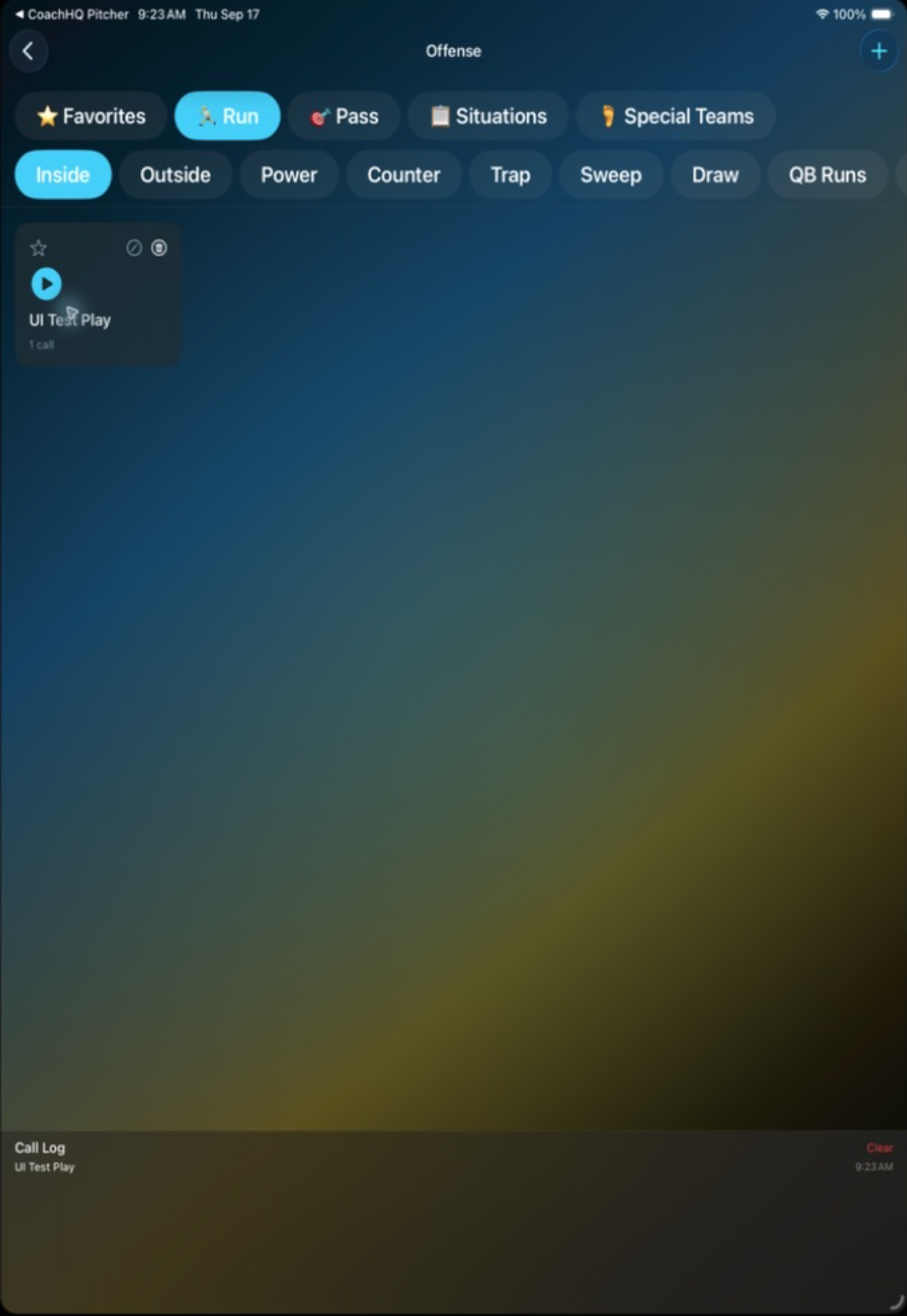
02 / Call log
Tap a play to send the call and keep a visible game-day log of what was used. The result is a cleaner sideline workflow and a better starting point for postgame review.
Built for game day
QB keeps the playbook and game mode close at hand on the iPad, with calls organized around the vocabulary your staff already uses. That means less searching on the sideline and a cleaner record of the decisions that shaped the game.
Move from side of ball to category and get to the play you need quickly.
Keep the next play visible and communicate it from the same game-day workspace.
Use the call log to revisit what was called and build a sharper plan next week.
Own the next down
CoachHQ QB gives football staffs a simple, focused way to organize and communicate the game plan.
Ask about CoachHQ QB