CoachHQ Tryouts keeps registration, evaluation, collaboration, and selection decisions in one shared workflow—so your staff can focus on finding the right athletes.
BaseballSoftballBasketballVolleyball
From check-in to decision
One tryout workflow. Less guesswork.
Set up a session on the registrar device, bring evaluators into the same local session, and keep the whole process moving even when internet access is unreliable.
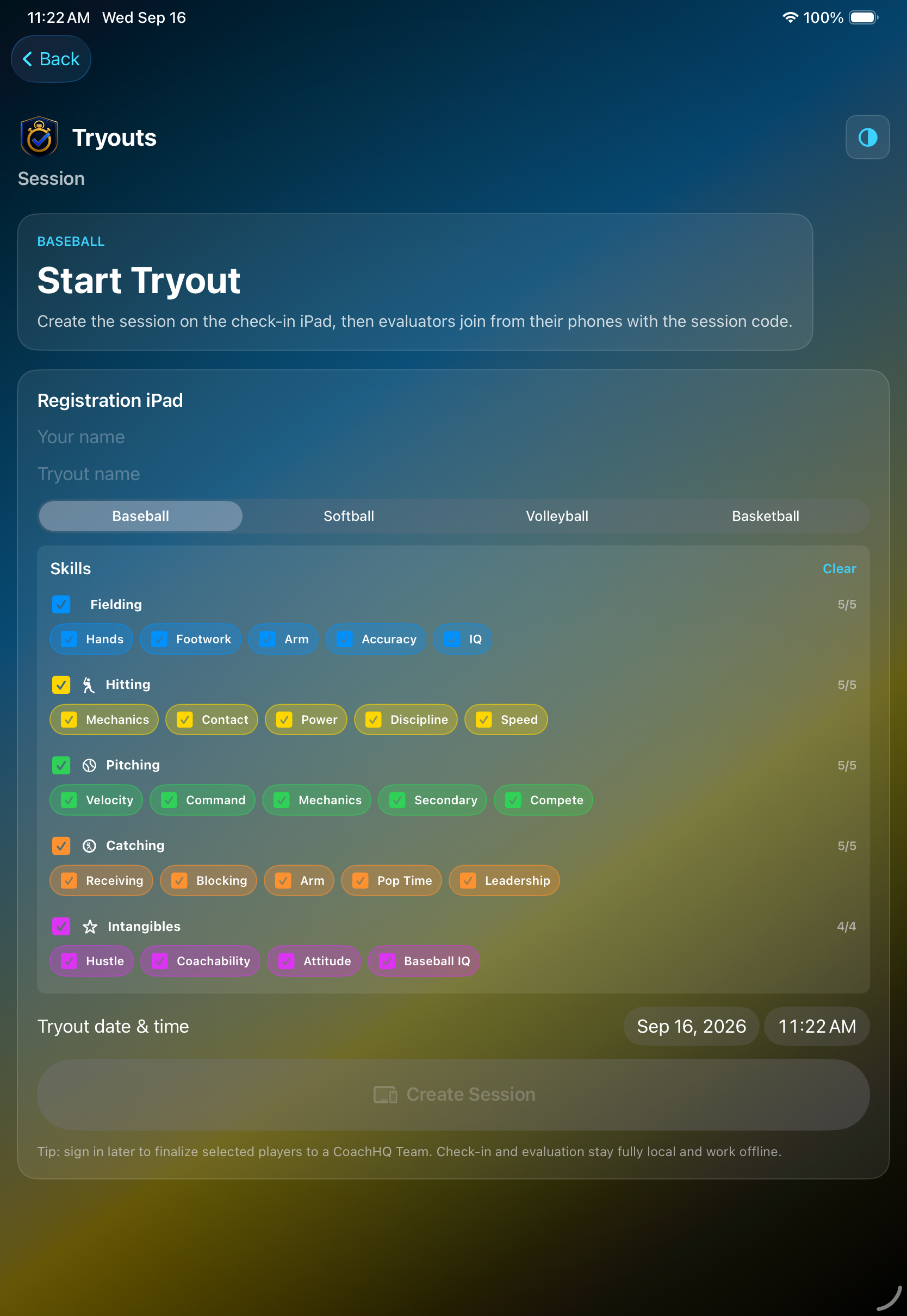
Before the tryout starts, the registrar selects baseball, softball, volleyball, or basketball, then builds the evaluation checklist by skill. Choose every skill or clear the list and tailor the session to what your staff wants to see.
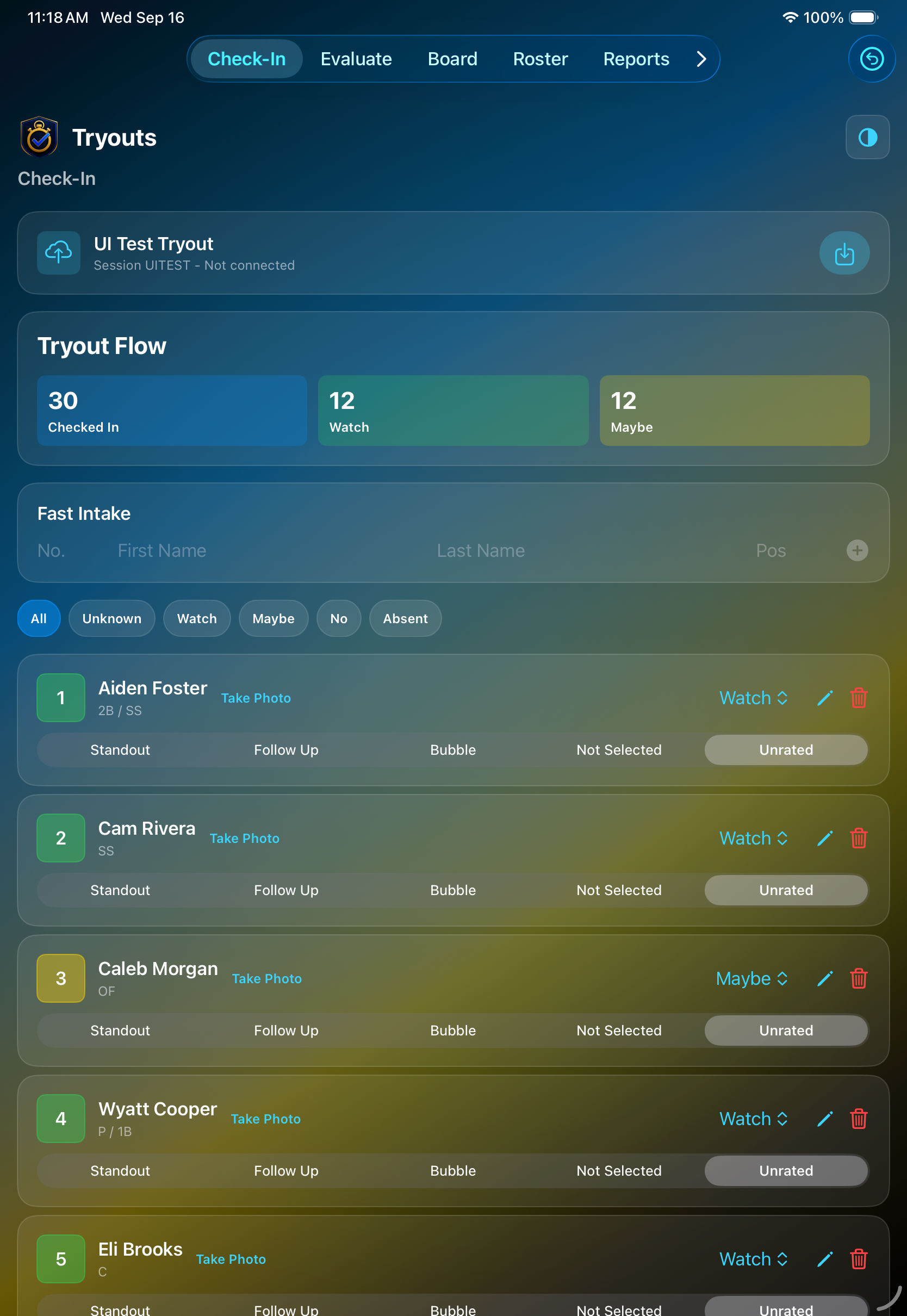
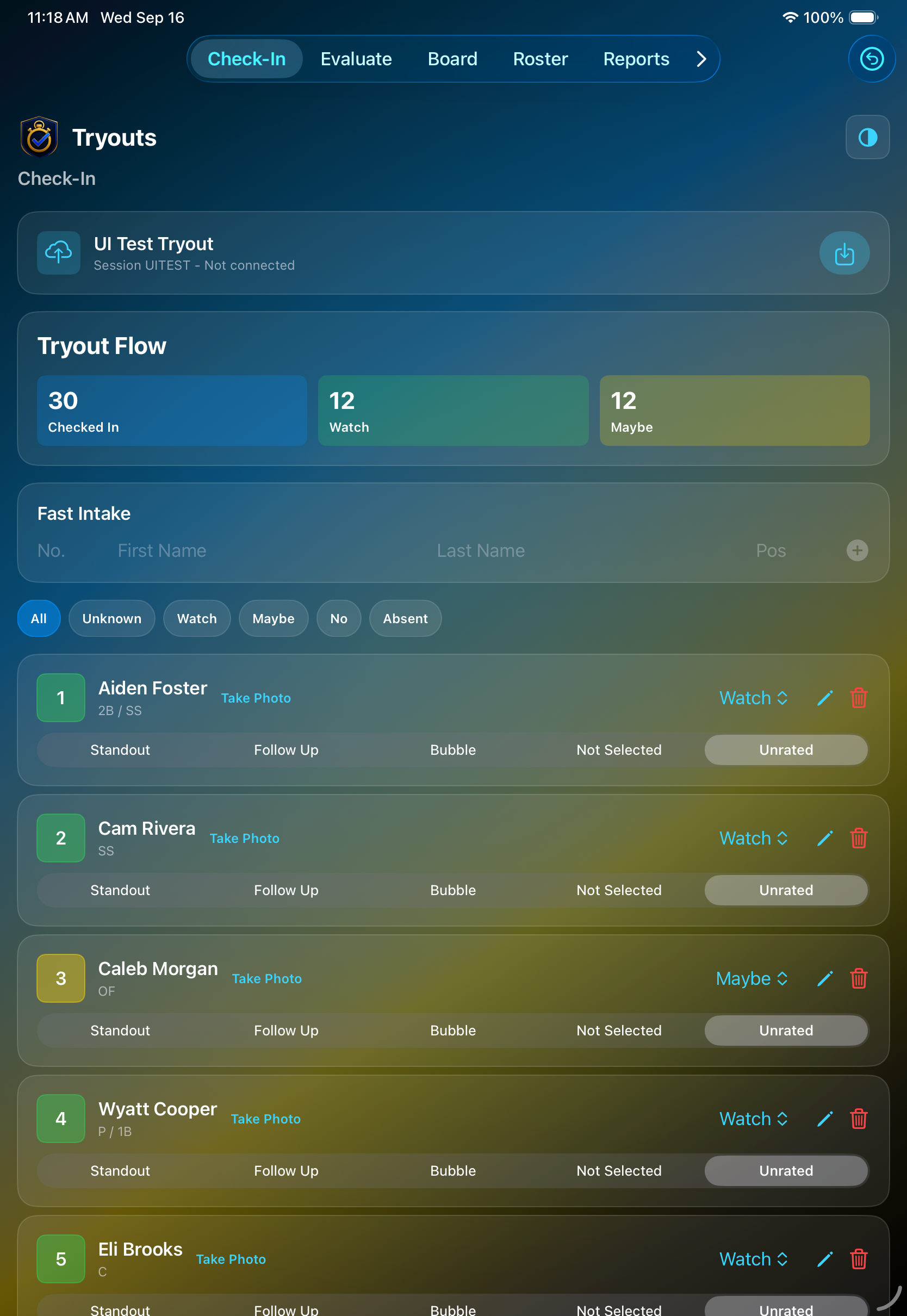
Fast intake captures a number, name, and position while the session dashboard keeps checked-in, watch, and maybe counts visible at a glance. Add photos and adjust player details without losing the pace of the event.
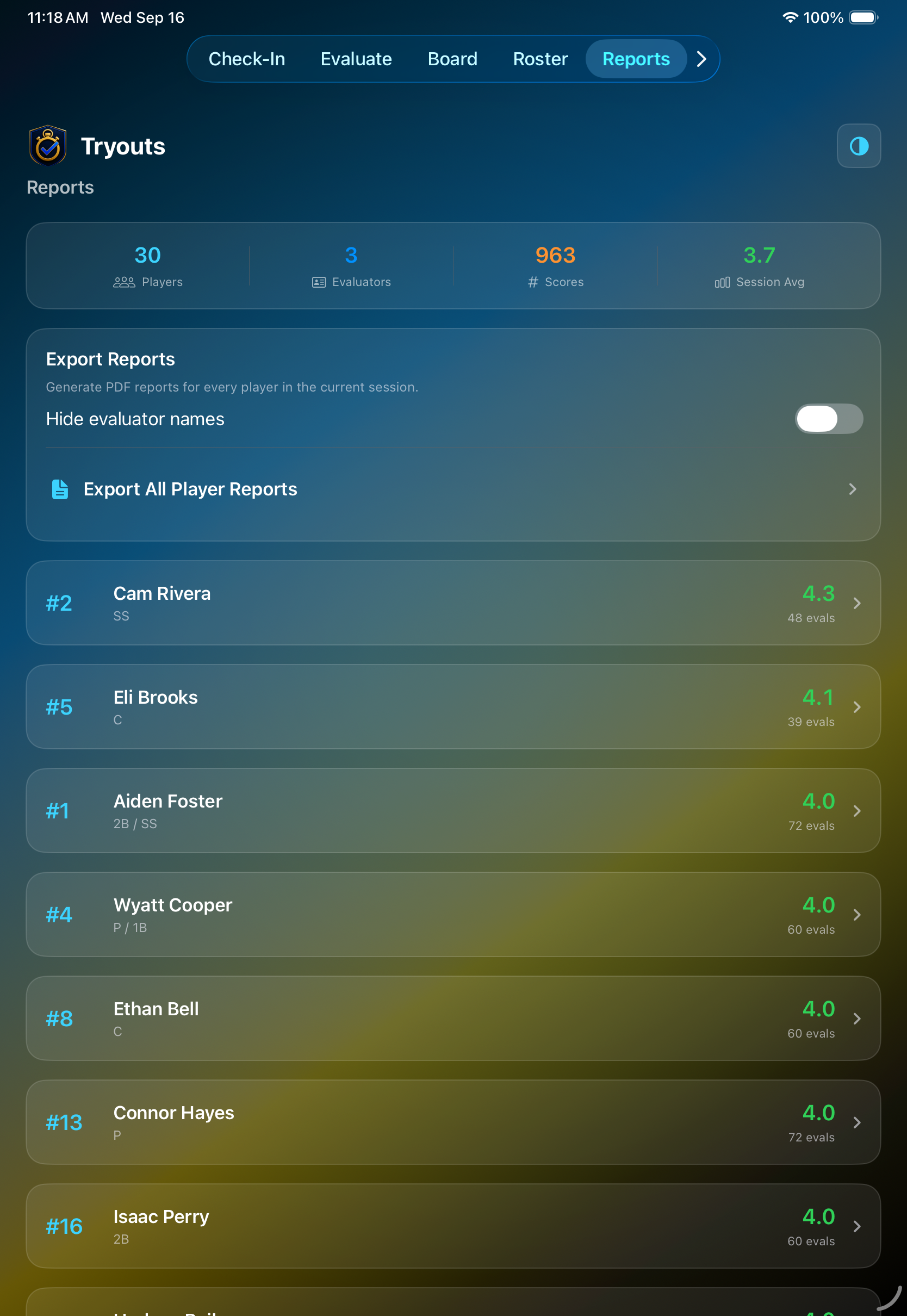
See session totals and player averages, then export individual or all-player PDF reports. Staff can keep evaluator names visible or hide them when sharing reports more broadly.
Compare evaluator lanes and use shared statuses such as standout, follow-up, bubble, and not selected. The registrar can see the complete picture while evaluators stay focused on their work.
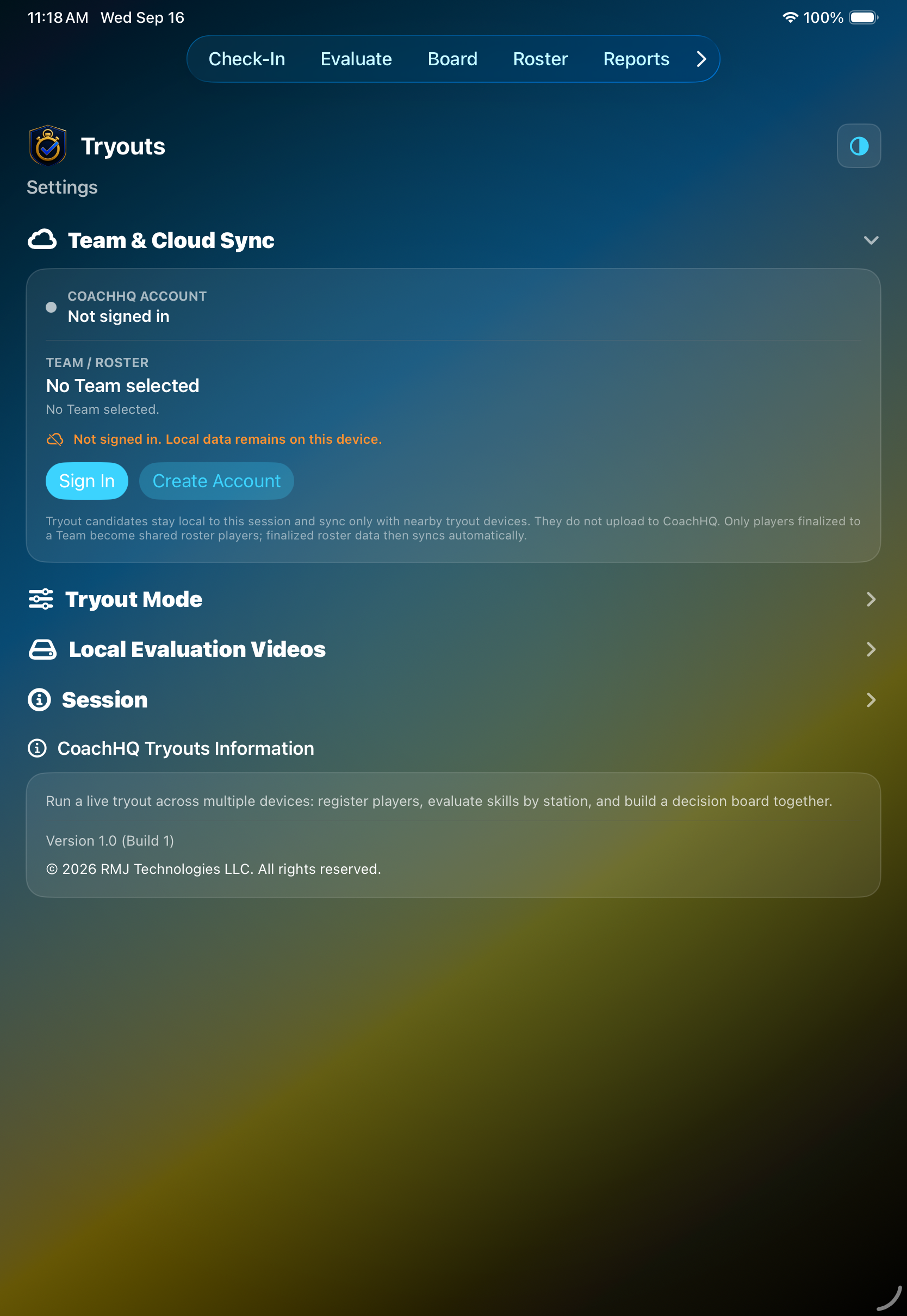
Configure the sport and evaluation mode, import signup data, load demo data for practice, and manage session exports and snapshots from one settings area.
How the session connects
One registrar. A whole evaluation team.
CoachHQ Tryouts keeps the registration iPad at the center of the event while each evaluator works from a phone. Evaluators join the local session with a code, score players at their stations, and send their updates back to the registrar’s dashboard.
01
The registrar hosts.
The registrar creates the session on the check-in iPad, chooses the sport and skill tree, checks players in, and keeps the master roster.
02
Evaluators join.
Each evaluator joins the shared session from a phone, then works independently through the selected skills and players assigned to their station.
03
Results come back together.
Scores, notes, evaluator statuses, and delivery updates flow back to the registrar’s dashboard, where staff can compare lanes and make decisions in one place.
Simple access for the whole staff
The registrar subscribes. Evaluators join free.
Only the registrar who creates and hosts a tryout needs a CoachHQ Tryouts subscription. Evaluators download the app and use the registrar's session code—no separate subscription or CoachHQ account is required to evaluate.
Monthly
$9.99/month
Full registrar access, including local tryout workflows and the ability to add selected players to an existing CoachHQ Team.
Yearly
$89.99/year
The same full feature set at a lower effective monthly cost. Eligible customers may receive a seven-day introductory trial through Apple.
US pricing shown. The App Store displays the price and trial eligibility available for your storefront. Subscriptions renew automatically unless canceled. If access ends after any Apple-authorized grace period, existing tryouts remain available to view, export, or delete, while new edits and evaluations are disabled.
Built for the tryout day
Shared locally. Ready when your staff is.
Registrar and evaluator devices can work from a shared session over the local network, with offline-friendly persistence and an outbox for changes that need to sync.

 Click to enlarge